


The best font manager I've ever seen!
MainType is a powerful but easy to use font manager and font viewer for Windows, that takes the frustration out of managing your fonts. It is packed with tons of intuitive features that makes it simple to find, manage, preview, organize, install, and print your fonts. MainType is the only font manager for Windows that fully supports variable fonts and OpenType layout features.

MainType is designed for graphic artists, typographers, and other power users who demand high-end functionality such as network support, advanced categorizing, and complex searching capabilities. The font manager provides immediate system-wide font synchronization, with no need to refresh font lists or reboot the computer after installing fonts. Unlike most other font managers, MainType runs without administrator credentials. This eliminates the frustrating elevation prompt when managing your fonts.


Switch from the traditional list to a crisp, visual grid that displays every font as a large thumbnail—perfect for rapid browsing when inspiration (or a deadline) strikes.
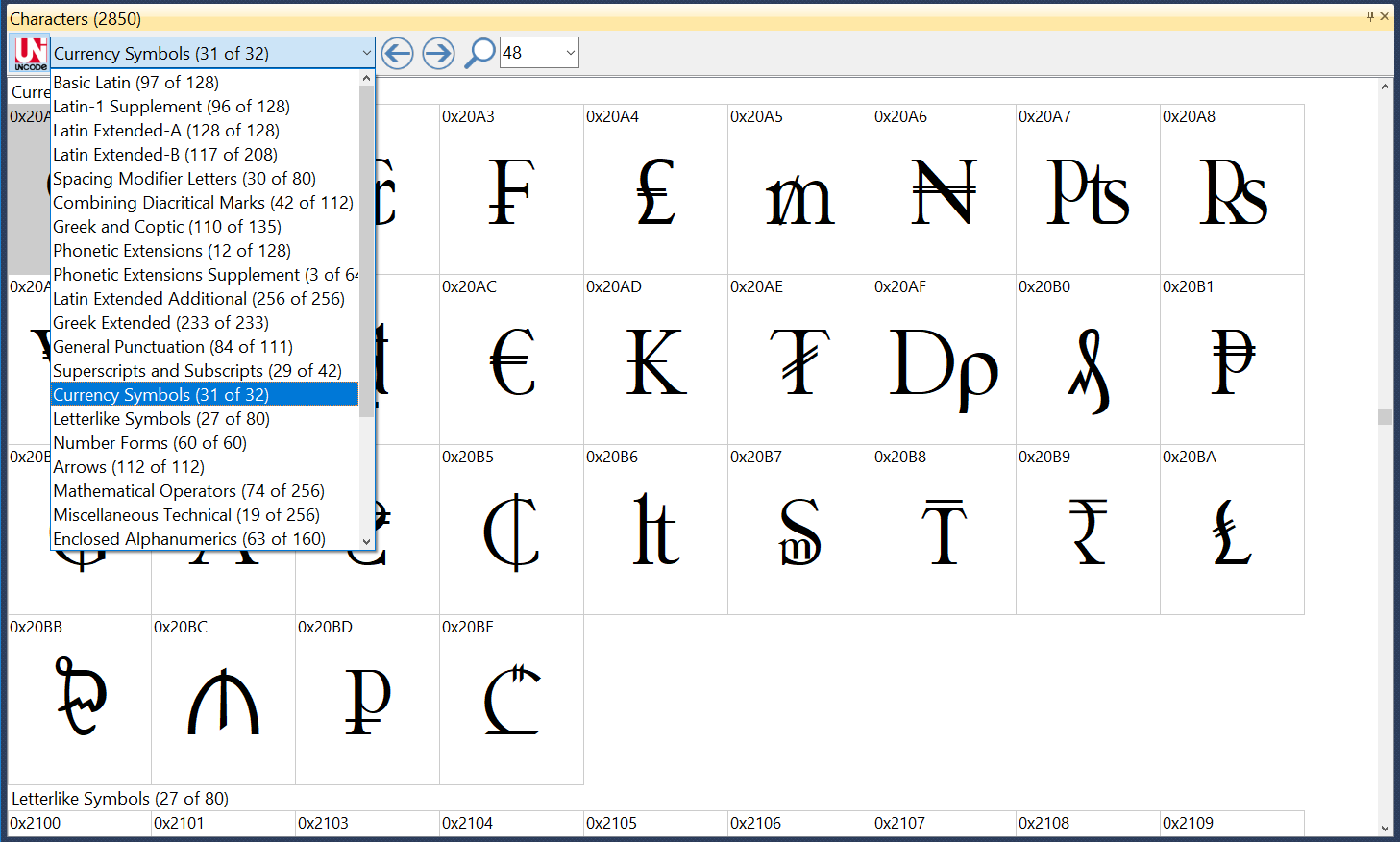
Unicode Character Grid
Easily navigate through Unicode blocks, copy characters to the clipboard, sample panel or directly insert them from the font manager into background applications.
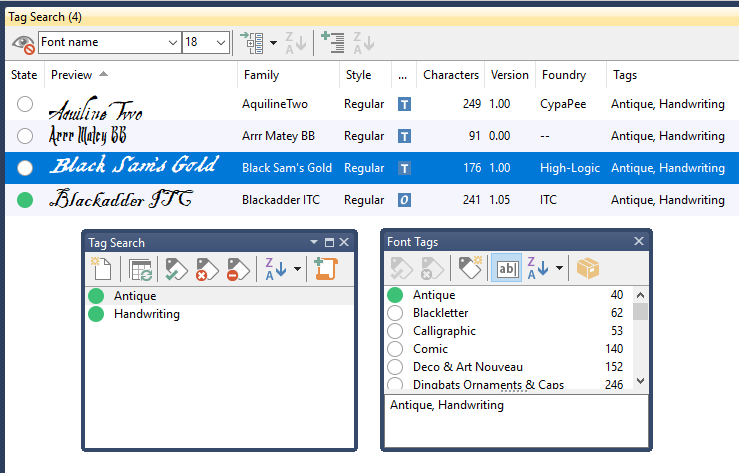
Notes, Tags, and Ratings
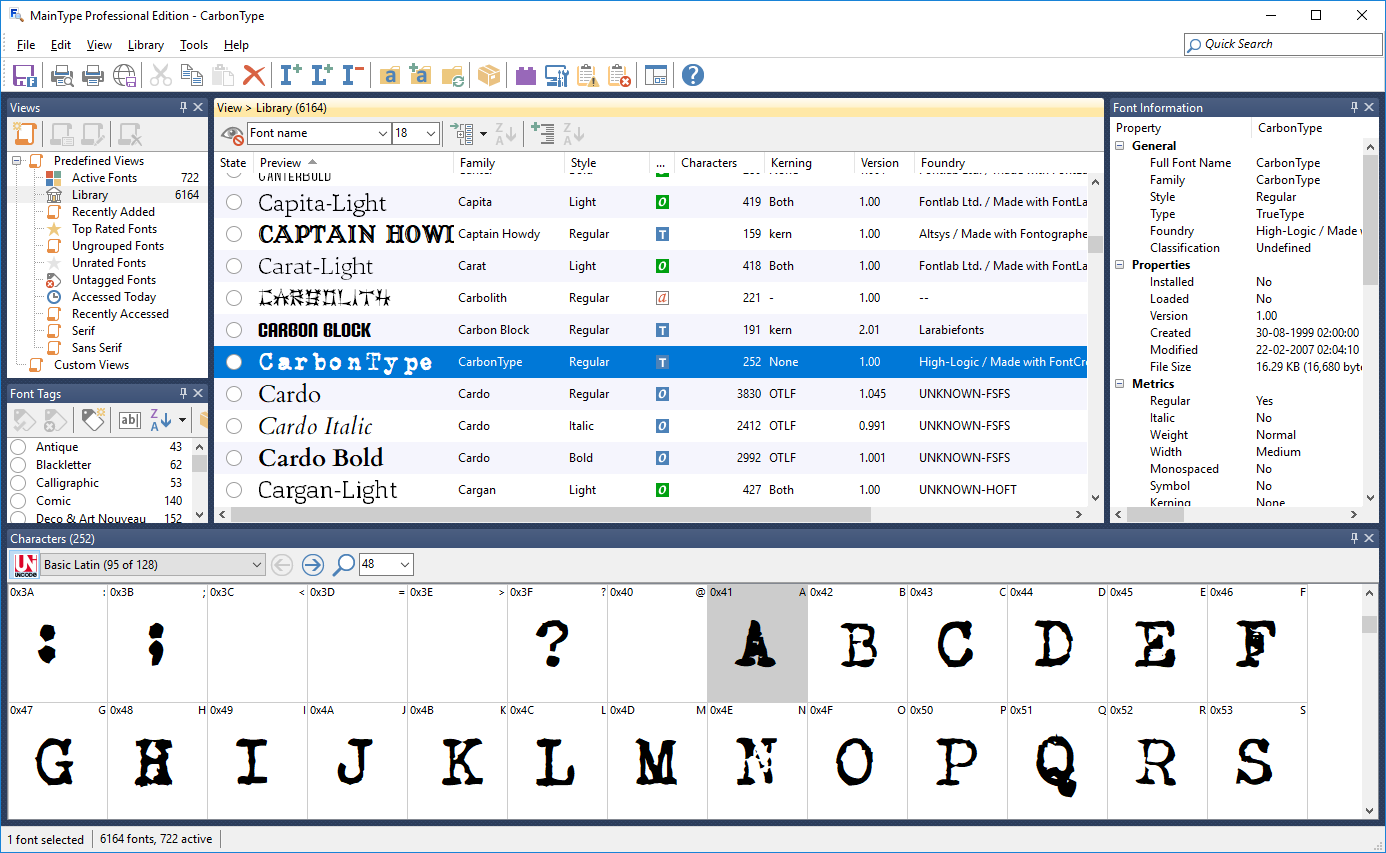
Customizable Layout
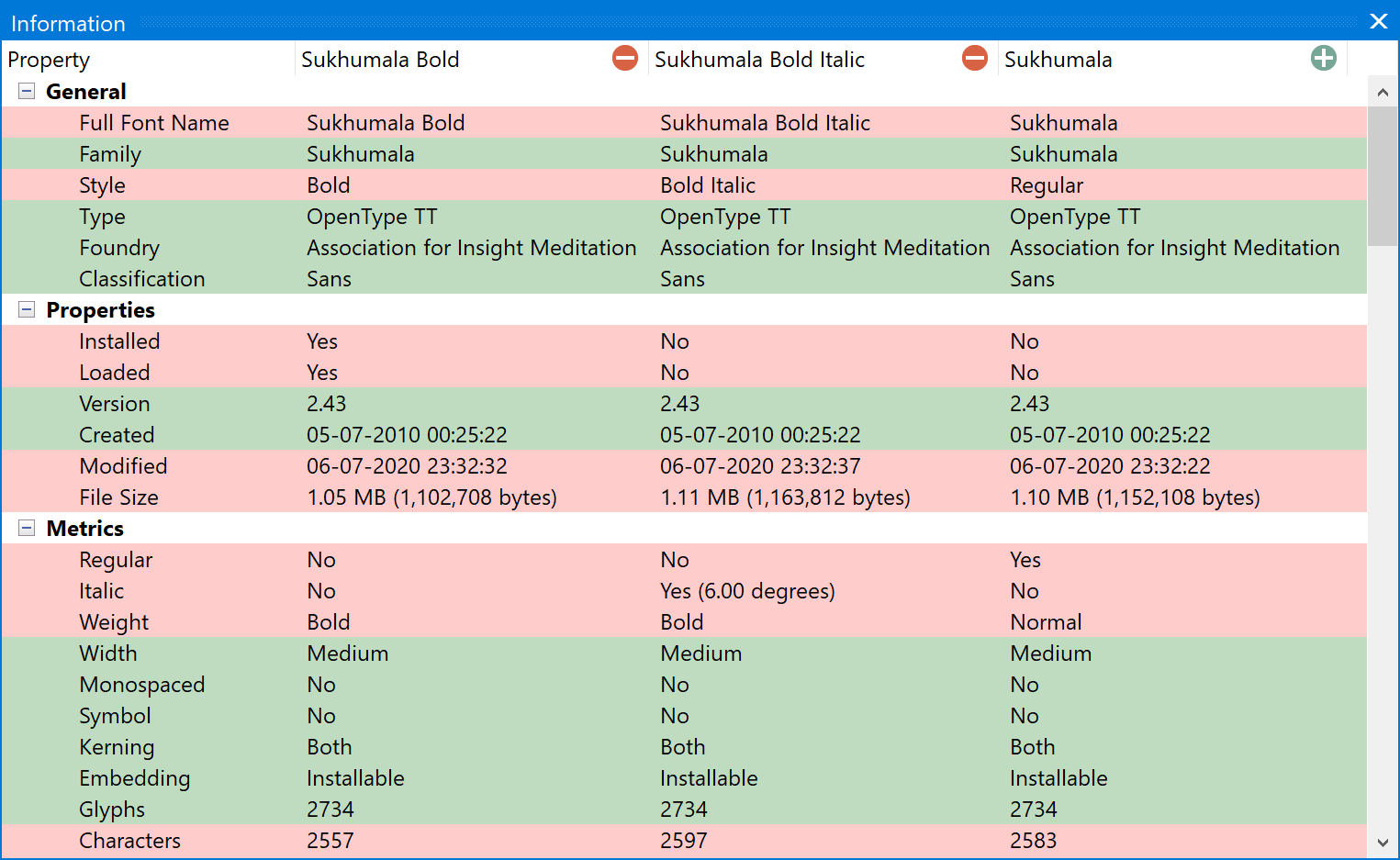
In-depth Font Comparison
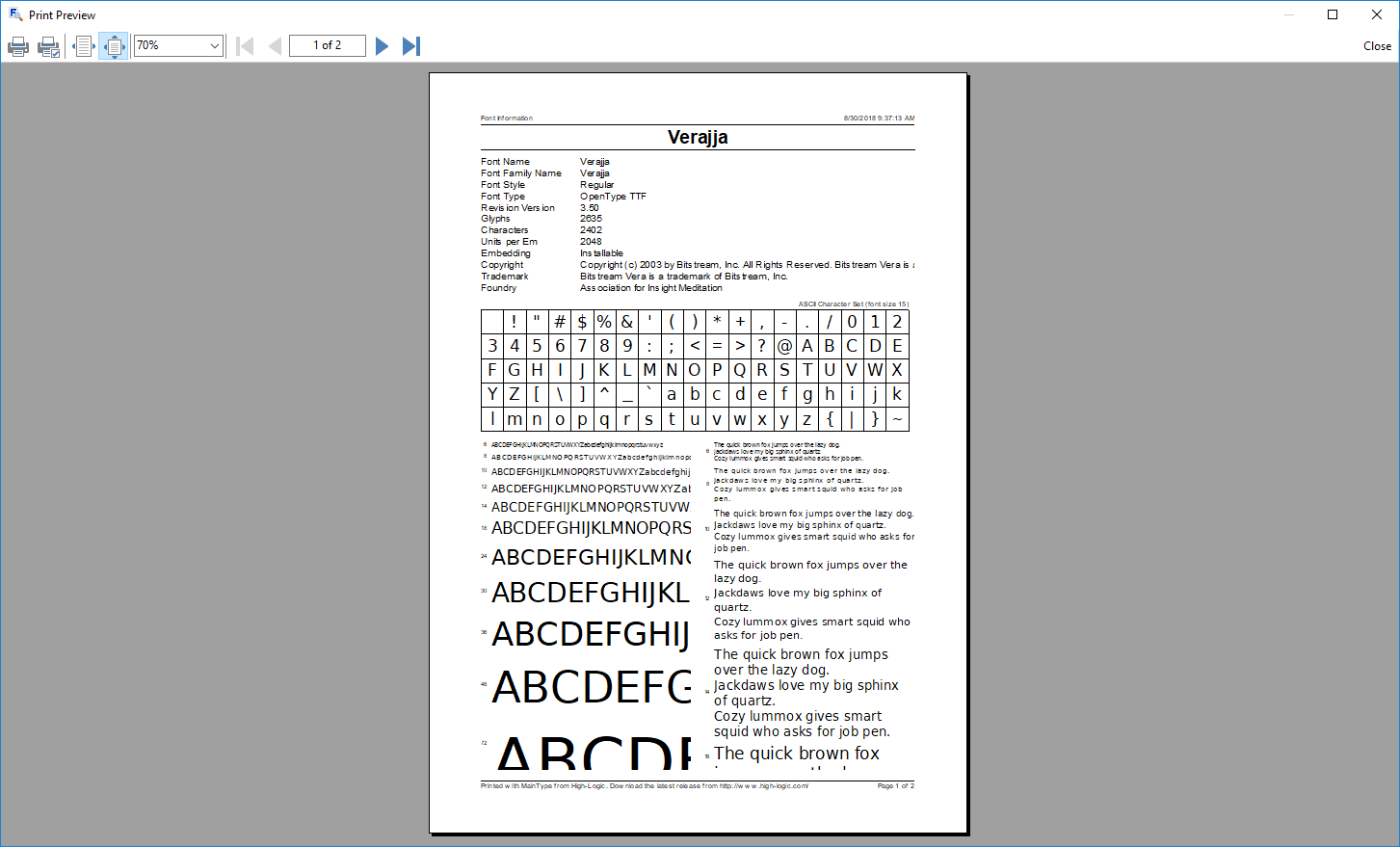
Print Reports
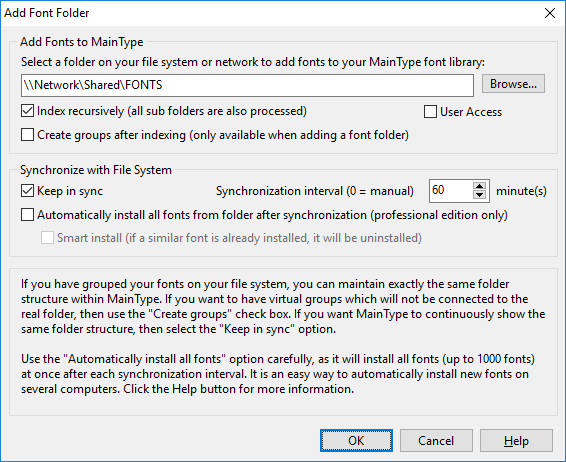
Team Synchronization
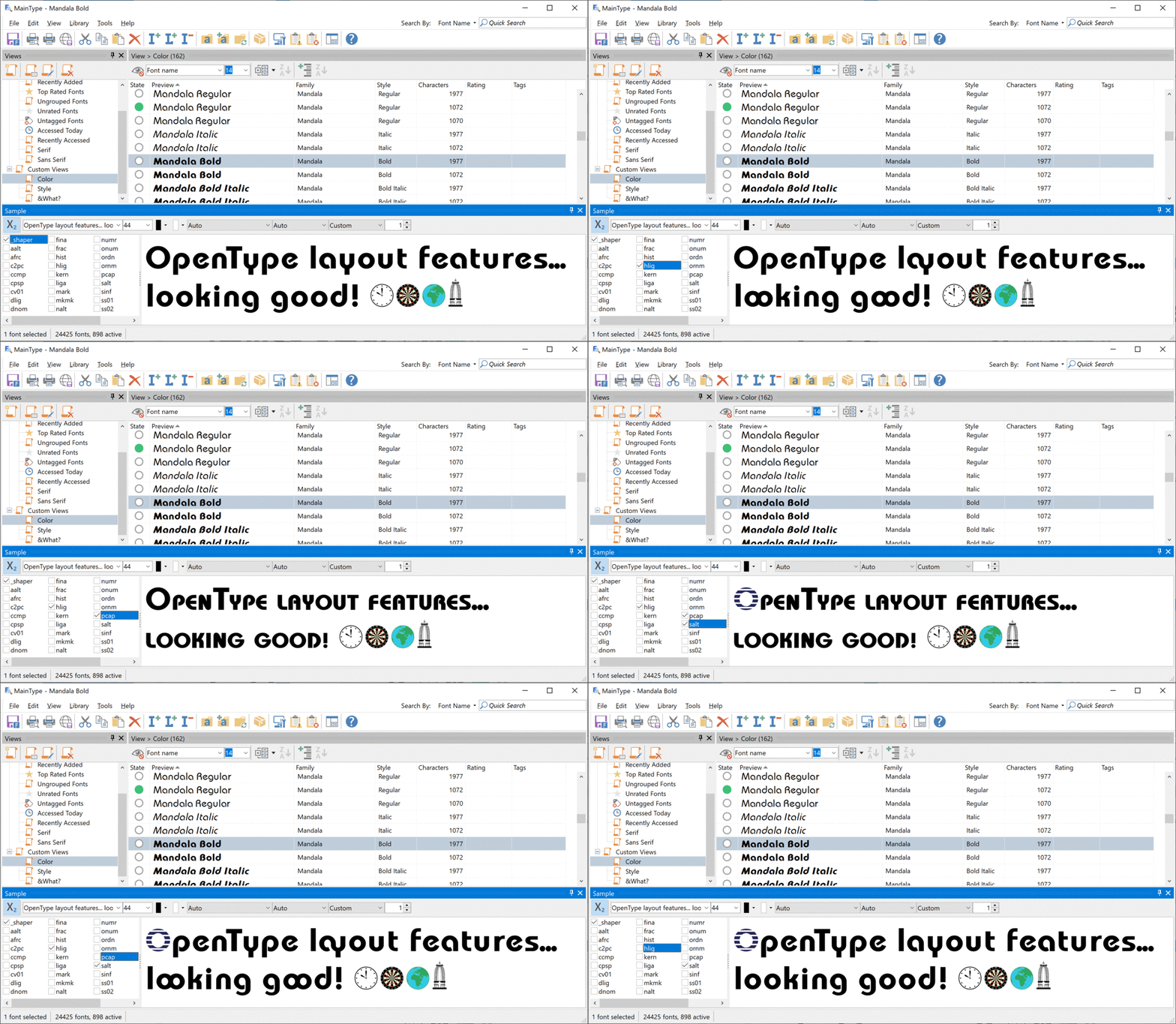
OpenType Layout Features
Use the Sample panel to select which features you want to apply to the preview text, so that you can test a font’s OpenType layout features directly in the font manager. To enable this mode, click the X2 button. It also supports color fonts!
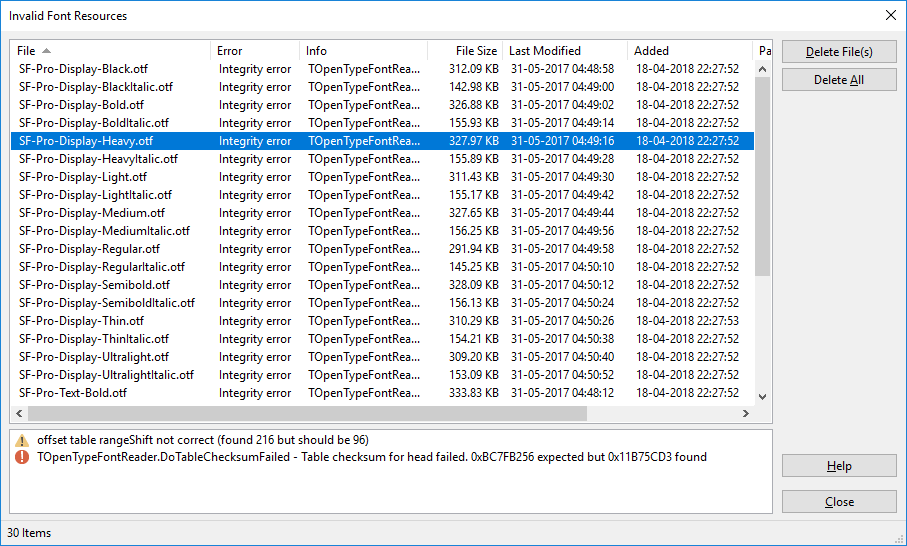
Corrupt Font Detection
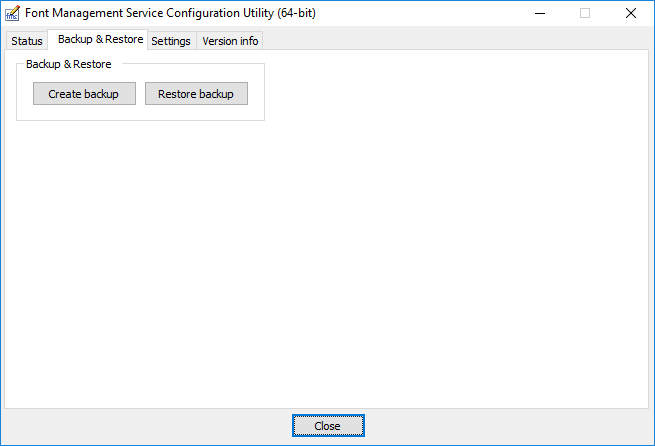
Easy Backup and Restore
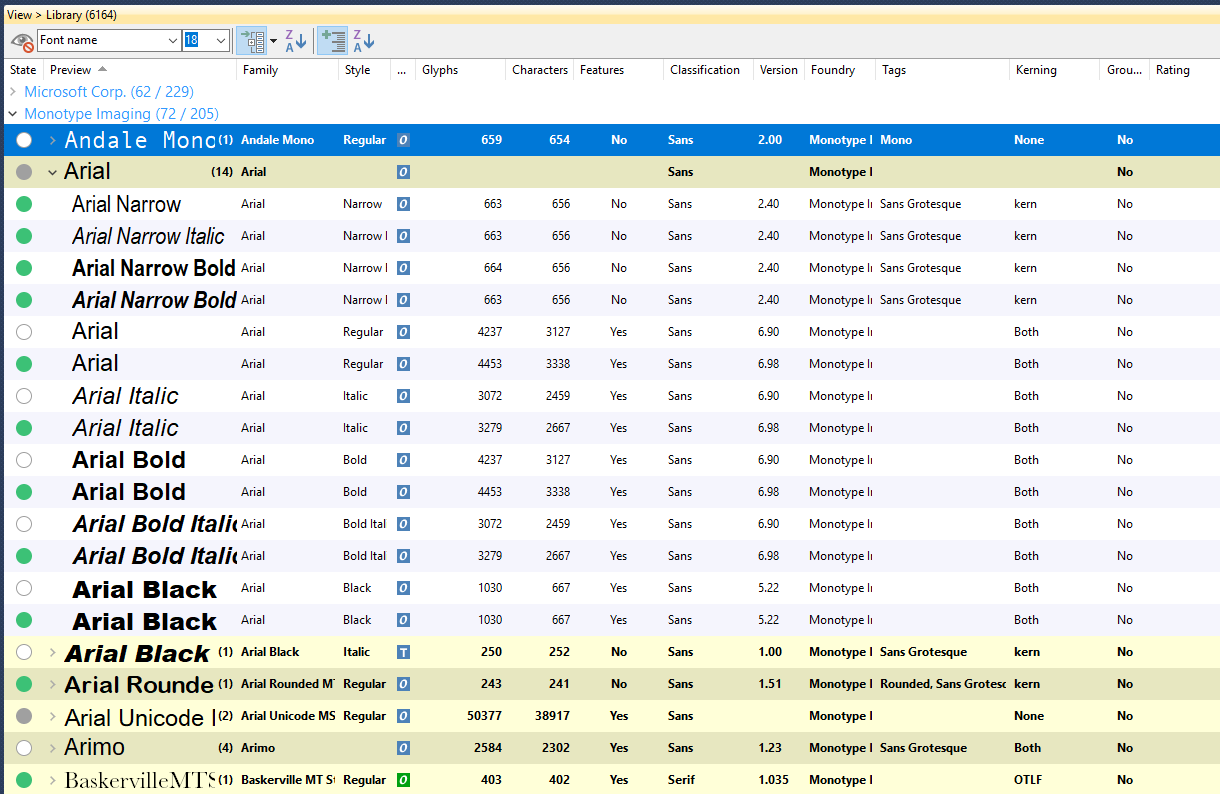
Font Categorization
MainType is a font manager that helps you categorize your fonts by foundry, font-type, rating, font width, and more. It also comes with an option to group your fonts by family.
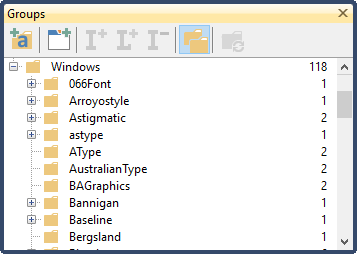
Group Your Fonts
Create font groups for birthdays, holidays, cars, animals, themes, or whatever needs you have and quickly load, install and uninstall them. This feature also allows graphic designers to manage fonts per project.
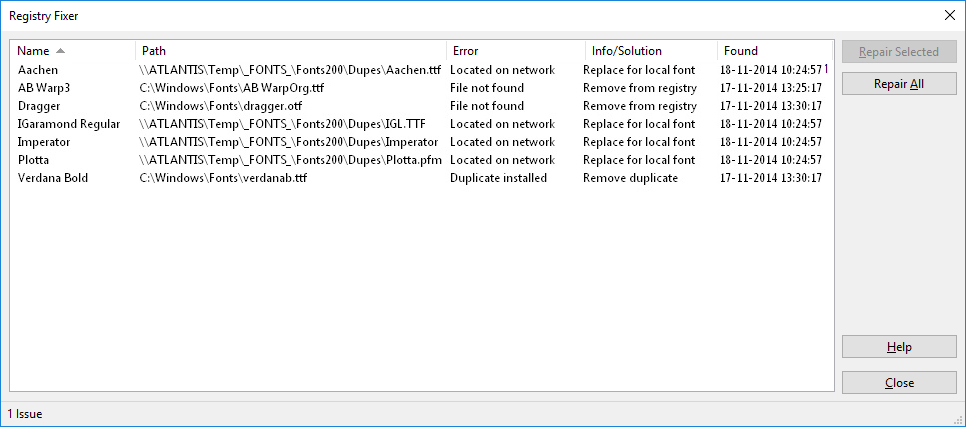
Repair Font Registry
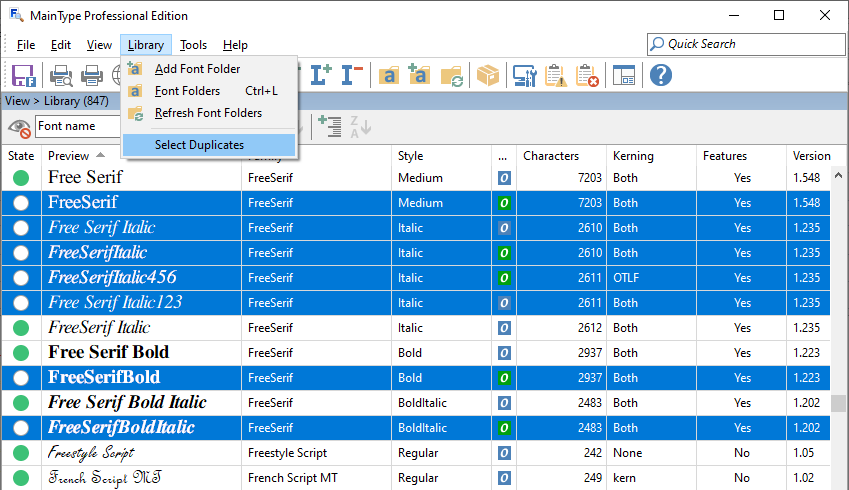
Duplicate Fonts
Over the years your font collection might contain many duplicate fonts. Fortunatly this font manager has a feature that allows you to clean up your font library.
What They're Saying

MainType has been rock solid and has all the features I need to manage the 4000+ fonts I have.
Rick Bergeron

I've been using High-Logic MainType for years. Unlike other font managers, it is as fast as you can expect it to be. No bugs, no freezing.
Yves Saint-Lary

MainType is the most flexible and easiest font management software I have worked with. I love it!
Isabelle Mercier

I was using another font manager but MainType is so much easier to use. So glad I made this purchase.
Lori Eckstein
No other font manager offers MainType’s blend of calligraphic nuance, technical expertise, and user-friendly adaptability—while still being fun to use.
Eric Geneva
The latest version of MainType is a fantastic update! It completely solved the performance issues I was having. Even with complex fonts like monogram fonts, thumbnails now render instantly. By far the best font manager on the market.
Robert Patterson
We would love to hear what you like about our font manager MainType. Let us know, so we can add it here. Thank you for your support!
