You can customize the way fonts are loaded, saved and shown with the Options dialog (Select Options from the Tools menu).
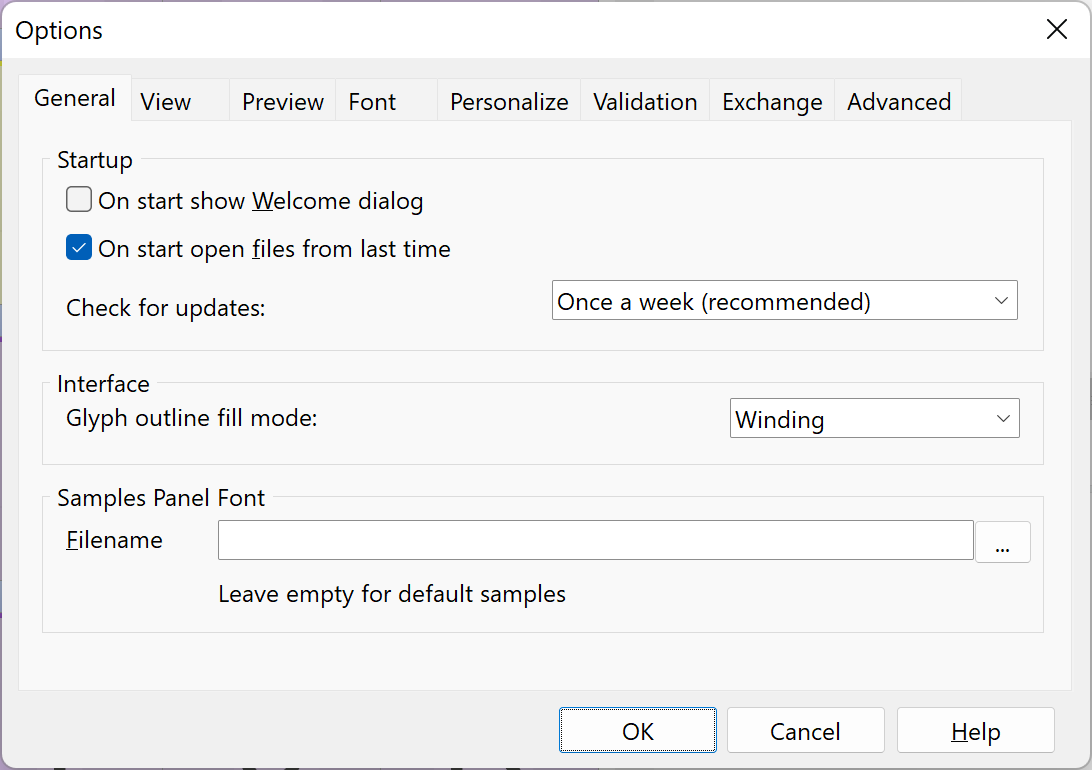
Use the fields on the General page when you want to change the welcome dialog, the interface settings or the Samples panel font.
Check for updates
Set the interval that FontCreator uses to check for updates. An interval of Once a week will ensure you are always working with the latest version of FontCreator.