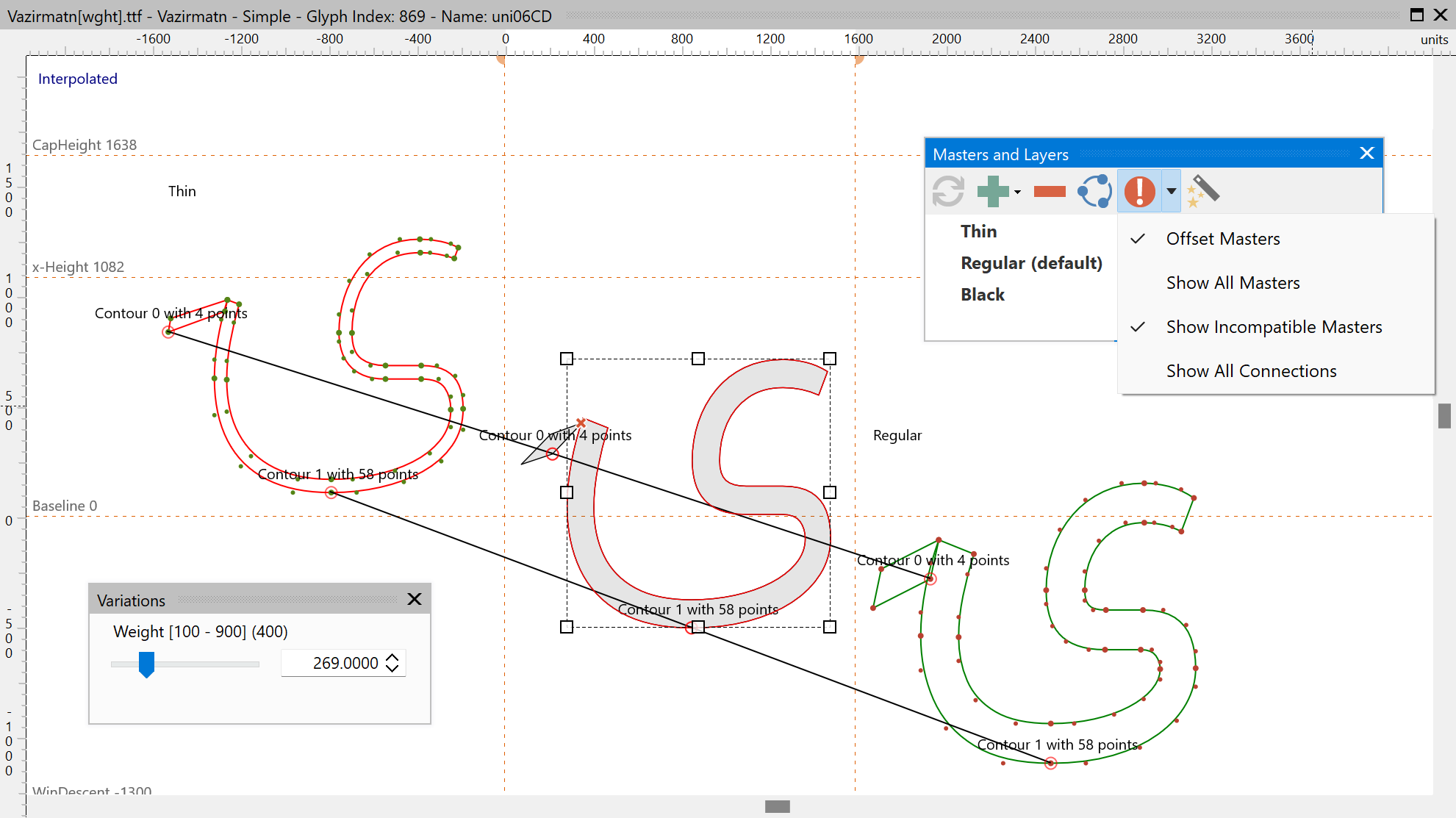
The Masters and Layers panel is the central place for managing the layer structure of every glyph in the font. It shows all masters of the font, and under each master row the layers attached to that master: background, helper layers, smart-component alternates, color members, and reference artwork.
In a variable font the panel is also used to add masters; interpolation requires at least two masters with compatible outlines. Overlaps are explicitly allowed in variable fonts.
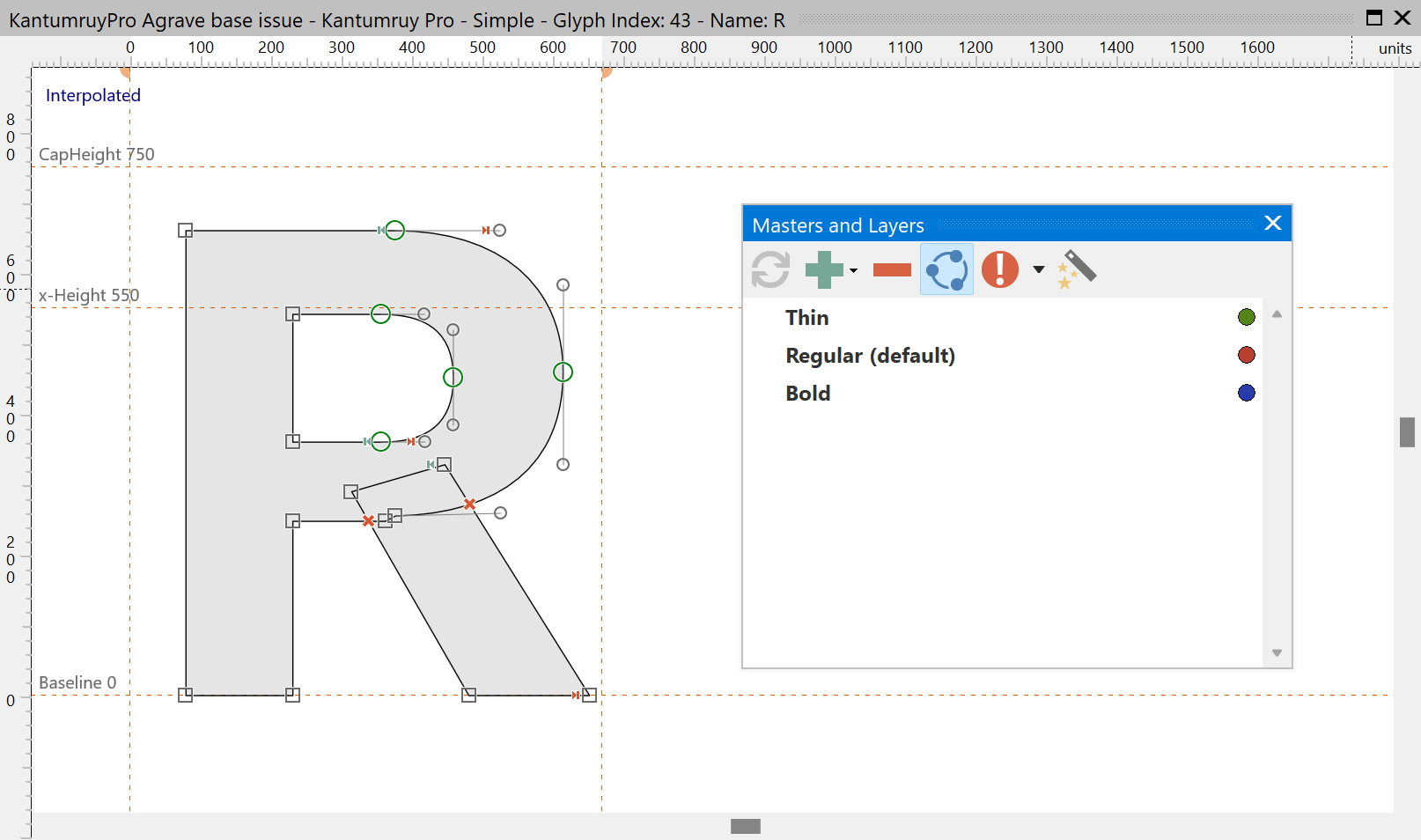
Compatibility Indicators
The panel shows a red icon next to each incompatible master, followed by one or more letters that identify the kind of issue:
•O — Outlines.
•M — Mismatch in number of contours or components.
•F — Mixed quadratic and cubic contours within the same glyph.
•N — Mismatch in on-curve and off-curve nodes.
•D — Different contour directions.
•S — Mismatched start points.
•W — Swapped contours or components.
•T — Component transform mismatch (scaling, rotation, skewing).
•A — Anchor mismatch.