You can search for glyphs and or characters by their glyph name and mappings. Select Find on the Edit menu to open the Find window or use the keyboard shortcut Ctrl+F.
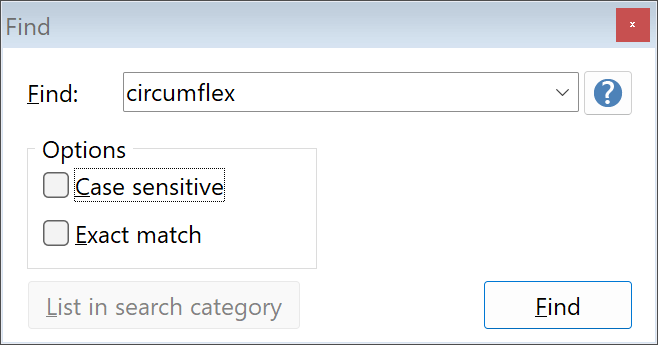
The input field accepts several kinds of keywords:
•Single character : Entering a single character will find the entered character if it exists in the font. (Example: “a”) Note that this type of search is case-sensitive regardless of the case-sensitive checkbox!
•Part of glyph name
•Start with: “A*” will return Agrave, Aacute, etc.
•Ends with: “*grave” will return Agrave, Ugrave, etc.
•“#353” will show that exact glyph index
•Unicode ranges $0032-$0046, $0062, 65, 214, etc. (can be entered in decimal or hexadecimal)
List in search category will add all matching glyphs in a new search category in the categories panel.
