When you have opened a composite glyph in the Glyph panel, you can modify the properties of each composite glyph member through the Transform panel.
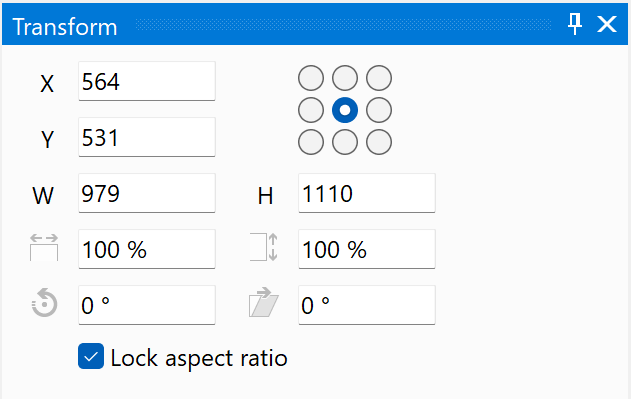
In the Transform panel you can modify the position, size, scale, rotation, and horizontal skew of the selected composite glyph members. In general it is best to avoid scaling, rotating, and skewing.
Note: There is an option to decompose composite glyphs, on exporting a font, if one or more glyph members make use of scaled, rotated, or skewed properties.
