Select Print in the File menu to print a single glyph. This option is available when a Glyph panel is active. If one or more contours are selected, only the selected contours can be printed. If the Font panel is active you will be able to print the font.
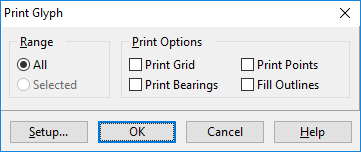
The print options allow you to print the grid, points and side-bearings, and you can choose to fill the outlines.
