The Select Character dialog provides a quick way to change a character mapping. This dialog is available through the Glyph Properties panel by clicking the Select Character button  .
.
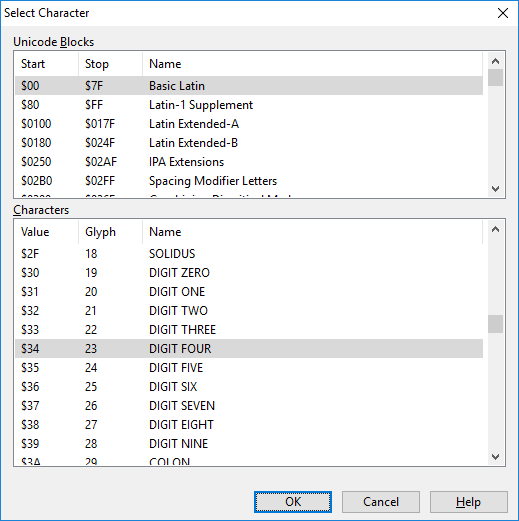
The Select Character dialog provides a quick way to change a character mapping. This dialog is available through the Glyph Properties panel by clicking the Select Character button .

F7 for caret browsing Hold ALT and press letter
| This Info: | ALT+q |
| Page Header: | ALT+h |
| Topic Header: | ALT+t |
| Topic Body: | ALT+b |
| Contents: | ALT+c |
| Search: | ALT+s |
| Exit Menu/Up: | ESC |