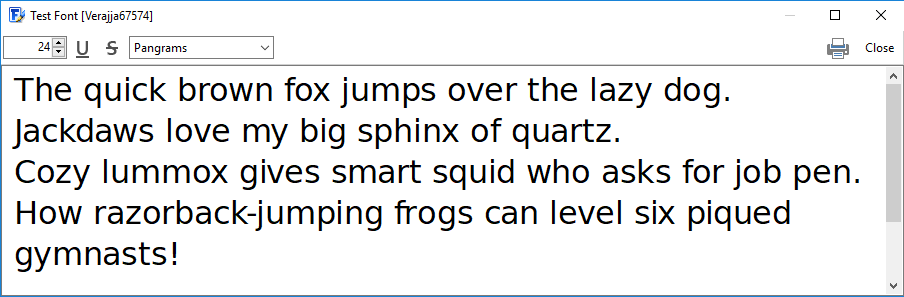
Test the active font in real software without having to install it. Choose Test Desktop Font (ttf/otf) from the Font menu, or press F5.
Editing the Test Text
Type any text into the editable field to preview the font. FontCreator remembers the text between sessions, so a preferred test pangram is always one keypress away. Kerning and right-to-left scripts render the way they will in the exported font, so this dialog is a faithful preview rather than a separate codepath.
Using the Font in Other Software
While the dialog is open, the font is registered with the operating system under a temporary name shown in the dialog's title bar — usually the original family name followed by a number. Switch to any other application, set its font to the temporary name, and type. Closing the dialog removes the temporary registration; nothing about your installed fonts changes.
Print Preview
Click Print to send the test text to a printer for a paper proof.
