We have just released MainType 10, coming with several amazing new features and improvements.
The most impressive changes are:
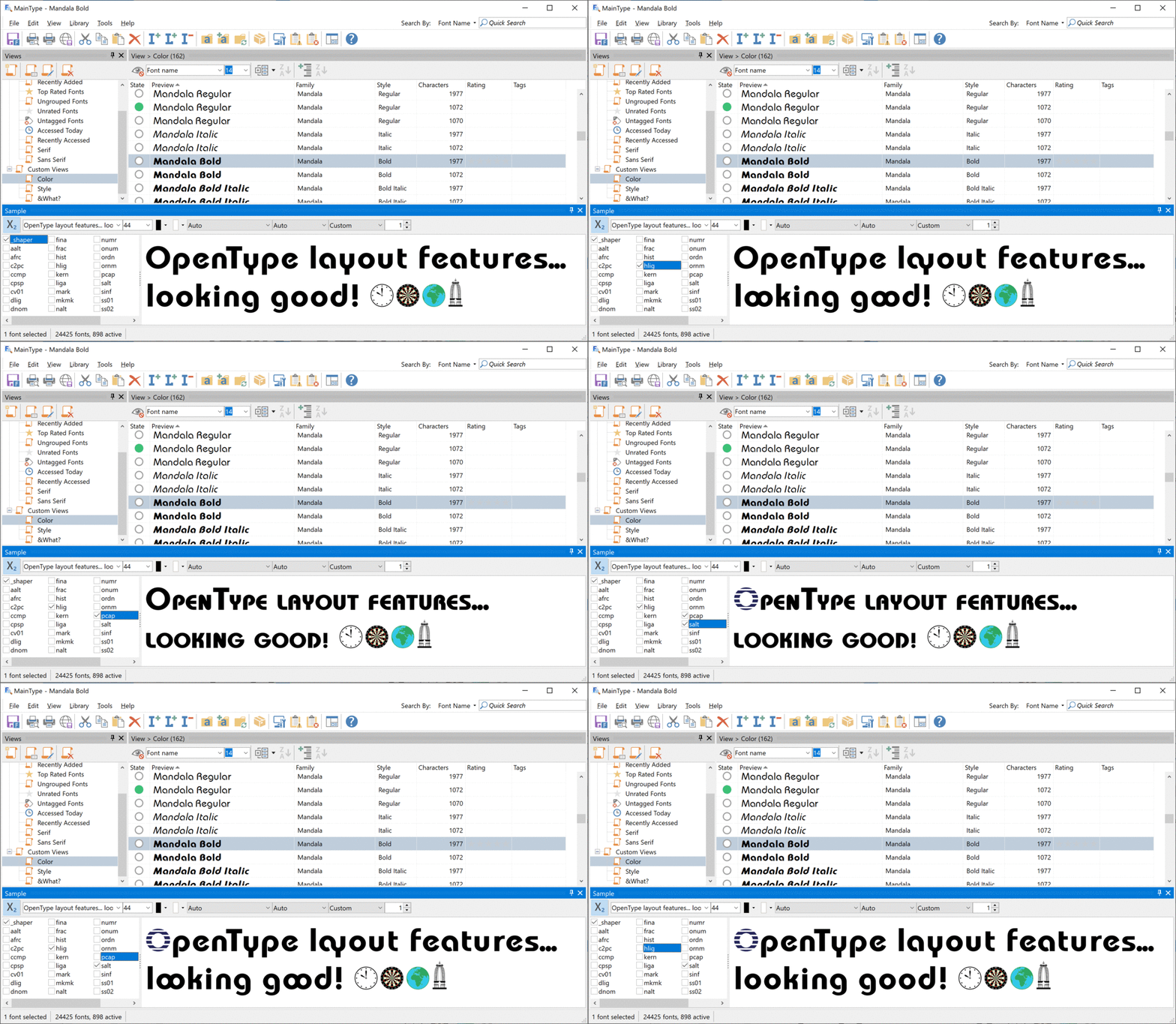
- New OpenType layout features in Sample panel
- New Note panel to add a custom note to your fonts
- New dark theme
- Show sample text
- Improved high DPI support
- Improved PANOSE output
- Added Safe Mode, so you can delete fonts that are causing trouble
- Update vendor information
- Expanded custom views with a total of 3 features
- More metrics in Font Information panel
Custom Notes
You can now add a note to your fonts. You can use it to store ideas, font usage, order details, etc. Initially the Note panel is not shown, so go to the main menu and select View -> Panels -> Note.

Dark Theme
You can now switch to Dark Theme, which some people prefer as it reduces power usage and improves visibility in a low-light environment.

You can download MainType 10 from our download page. Please use our forum to discuss the new features; enjoy!
